Morning check across everything
“Since yesterday, flag only what needs me on every platform: odd spend, clicks or conversions, stopped campaigns, quiet tracking, disapproved ads, broken pages.”
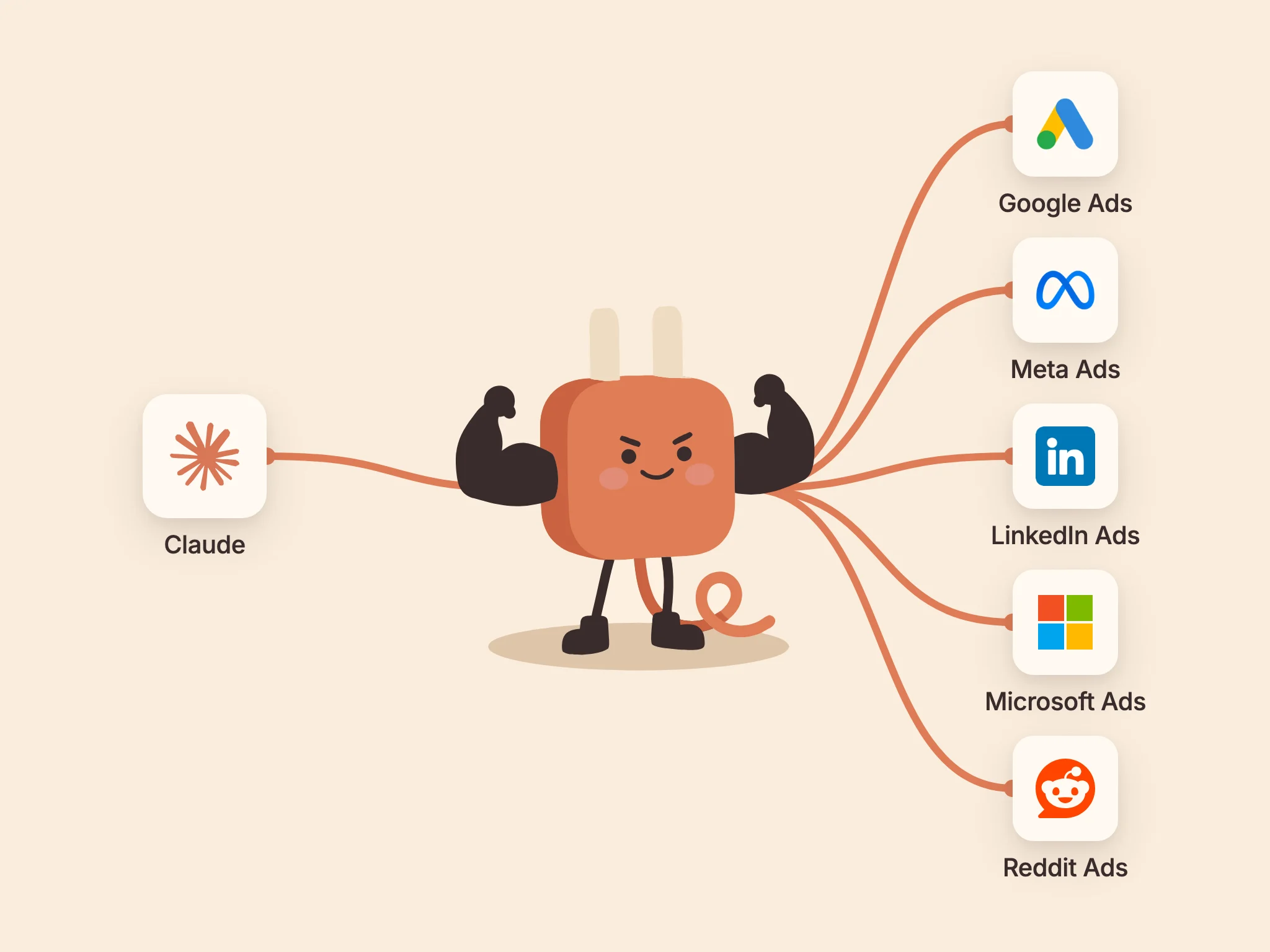
Here's how to safely connect your ad accounts to Claude with one connector. Claude can then check campaigns across Google Ads, Meta Ads, LinkedIn Ads, Microsoft Ads and Reddit Ads, flag what needs your attention, and make the changes you approve. Setup takes a few minutes (longer if you first have to remember which login sees which client).
Updated 2026-10-30 · 7 minute read
All-platforms MCP server URL
AdPlughttps://api.adplug.app/mcp01
AdPlug's all-platforms connector puts Google Ads, Meta Ads (Facebook and Instagram), LinkedIn Ads, Microsoft Ads (formerly Bing Ads) and Reddit Ads into Claude as one custom connector, at https://api.adplug.app/mcp. You connect each platform once in AdPlug with its own sign-in, then add AdPlug to Claude and approve it once.
Claude can then read every connected ad account in the same chat. On a paid AdPlug plan (which a second platform needs anyway), it can also make the changes you approve after a preview. So a question that crosses channels gets one answer:
That's the Monday cross-channel report without the five exports (and the spreadsheet holding them together).
02
Here's what Claude can read on each platform through the all-platforms connector. On a paid AdPlug plan it can also make changes on each one, and AdPlug tells Claude to preview each change first.
Google Ads
Claude reads Google Ads campaign, ad, keyword, product and daily reports, conversions by action, search terms (Dynamic Search Ads included), shared negative lists, Keyword Planner ideas and Google's recommendations. Claude can also run its own GAQL queries for impression share, Quality Score, disapprovals or change history, and manager (MCC) accounts are supported. Full guide: connect Google Ads to Claude · More on the Google Ads MCP server
Meta Ads
Claude reads Meta Ads results for Facebook and Instagram by campaign, ad set, ad, day, age and gender, placement, device and country, with reach, frequency, results, cost per result and purchase ROAS. It can also tell you why an ad isn't running, check your pixels, custom conversions, lead forms and catalogs, and search the Meta Ad Library for commercial ads that ran in the EU. Full guide: connect Meta Ads to Claude
LinkedIn Ads
Claude reads LinkedIn Ads campaign, creative, daily, conversion and lead gen reports, with demographics by job title, seniority, company and industry, plus reach and frequency. It also sees your campaign groups, campaigns, creatives, audiences and lead forms, checks an audience's size before you launch, and searches the LinkedIn Ad Library. Full guide: connect LinkedIn Ads to Claude · More on the LinkedIn Ads MCP server
Microsoft Ads
Claude reads Microsoft Advertising (formerly Bing Ads) reports by campaign, ad group, ad, keyword, search query, geography, share of voice, audience and conversion, plus who saw your ads by company, industry and job function, from LinkedIn profile data. Claude also sees editorial disapprovals and appeals, Microsoft's recommendations and bulk downloads. Full guide: connect Microsoft Ads to Claude · More on the Microsoft Ads MCP server
Reddit Ads
Claude reads Reddit Ads reports by community, keyword, interest, placement and conversion. When a campaign isn't spending, Claude checks the ad account, billing, each ad's status and the pixel, and tells you what's blocking it. Full guide: connect Reddit Ads to Claude · More on the Reddit Ads MCP server
HubSpot and Google Search Console aren't part of this connector. Each has its own AdPlug connector: here's how to connect HubSpot to Claude and connect Google Search Console to Claude.
03
AdPlug has two kinds of connector for Claude, and both use the same AdPlug account.
One connector for every platform (this guide)
Named AdPlug, at https://api.adplug.app/mcp. Claude reaches every ad platform you've connected in AdPlug, so it can compare them in one answer. Pick it if you run more than one platform, or if you're on Claude's Free plan, which allows one custom connector.
A connector per platform
Named after the platform, such as AdPlug - Google Ads, at an address ending in /google-ads, /meta-ads, /linkedin-ads, /microsoft-ads or /reddit-ads. Claude sees only that platform. Pick it if you run one platform, and follow its guide in the section above.
Add both and Claude sees the same tools twice. They work the same way, so keep one and remove the other.
04
Custom connectors work on Claude's Free, Pro, Max, Team and Enterprise plans, on claude.ai and the desktop app, per Anthropic's custom connector guide (checked 29 October 2026). The Free plan allows one custom connector, and the all-platforms connector fits every ad platform you've connected into that one slot.
On Team and Enterprise, an Owner adds the connector first under Organization settings → Connectors. Each member then connects their own account from Settings → Connectors.
On AdPlug's side, the free plan is view only and connects one ad platform, with unlimited ad accounts on it. A second platform, and any changes, need a paid plan: Pro, Max or Agency.
05
From a new AdPlug account to Claude answering questions across your ad platforms takes a few minutes. You sign in to each ad platform once in AdPlug, then to AdPlug once in Claude.
Go to adplug.app/signup, sign in with Google or email, and follow the short onboarding. It ends on your AdPlug dashboard.

Open the Connections page and click Connect Google Ads, Connect LinkedIn Ads and so on for each platform you run. Each one sends you to that platform's own sign-in. Use the login that can see the ad accounts you want Claude to work on.
One sign-in covers every ad account that login reaches, so connecting a Google Ads manager account (MCC) brings in every account under it (more on that in AdPlug for agencies). AdPlug's free plan connects one ad platform, and adding a second needs a paid plan.

Each platform's guide in section 02 walks through its own sign-in screen. Meta Ads also asks which ad accounts and Pages to share, so tick the Pages you advertise from too.
Open Add custom connector in Claude. Paste the name and the URL below, then click Continue.
The link opens the form straight away. Without it, go to Customize → Connectors in Claude, click Add, then Add custom connector.
Name
AdPlugURL
https://api.adplug.app/mcp
On the next screen, Claude has already detected how AdPlug signs you in. Under Authentication, Sign in now is selected and marked Detected. Under OAuth client, so is Register automatically. Leave both as they are and click Add.

Claude then shows the AdPlug connector page, which says “You're not connected to AdPlug yet.” (Adding a connector and connecting it are two separate clicks.) Click Connect.

Claude sends you to AdPlug. Sign in if it asks, with the same email as your AdPlug account, and click Approve. You're then back in Claude with AdPlug connected, and that one approval covers every ad platform you connected in step 2. Platforms you connect later work too, without adding or approving the connector again.

Start a new chat with AdPlug switched on in the tools menu and ask:
“Check my ad accounts across every platform for the last 30 days, put together a performance snapshot, and tell me what needs my attention.”
Claude pulls the last 30 days from each connected platform and comes back with one snapshot. If a platform you connected is missing from it, the fix is in Troubleshooting.
06
These prompts work across platforms, so they need at least two connected, and that needs a paid AdPlug plan. With one platform connected, Claude answers for that one. More copy-paste prompts live in the prompt playbooks.
Morning check across everything
“Since yesterday, flag only what needs me on every platform: odd spend, clicks or conversions, stopped campaigns, quiet tracking, disapproved ads, broken pages.”
Last week, blended
“How did last week compare with the week before, blended and by channel, and what drove the big moves?”
The channel wasting money
“Which ad platform is wasting the most money this month, and on what exactly?”
Budget between channels
“Show me where moving budget between my ad platforms would work hardest, and preview the changes without applying them.”
Negatives on Google and Microsoft
“Suggest negatives from Google search terms and Microsoft search queries that spend without converting, but don't add them yet.”
Cost per lead by channel
“Compare cost per lead across LinkedIn, Google and Microsoft this quarter, and tell me where the next lead is cheapest.”
Creative fatigue on Meta and LinkedIn
“Which Meta ads and LinkedIn creatives are wearing out, and what would you test instead?”
One client report
“Build a client-ready PDF report on last month across every platform: short summary, results against the month before, insights, and what changes next.”
07
Connecting your ad accounts to Claude is as safe as the limits around it. These are AdPlug's:

The data processing agreement covers how AdPlug handles your data.
08
Click any item to expand the answer.
09
10
Each guide below covers one platform or one assistant on its own, with the same AdPlug account.
Email support@adplug.app with setup questions or bug reports. Most replies come back the same business day.
Connect your ad accounts to Claude through AdPlug in a few minutes. Free plan, no card needed.